OFM bulk stack
Bulk Threads + Instagram Accounts for OFM Teams
We provide pre-warmed, fully personalized Threads + Instagram account stacks built around your model, brand, or campaign identity.
Each account comes prepared with your chosen profile picture, bio, display name, and username direction. The Threads account is connected to its matching Instagram account, and 2FA is included for cleaner handoff and account control.
72-hour target delivery
Starts after your full profile brief is confirmed.
Personalized profiles
Name, username direction, bio, and profile image handled before delivery.
Linked IG + 2FA
Every Threads account includes its connected Instagram account and 2FA.
Custom stack
Built around your account identity before the first handoff.
What You Get
Custom Order Brief
For custom orders, delivery is planned around a 72-hour target after you send the required profile details: bio, name, username preferences, and profile pictures. Once we have the full brief, we build the accounts around that identity and prepare them for handoff.
Target quantity and whether every Threads account needs a matched Instagram account
Profile pictures for each model, brand, or account type
Bio, display name, and username preferences
Any niche, region, tone, or naming rules the batch needs to follow
Delivery Path
Step 1
Send the brief
Share the bio, name, username direction, profile pictures, quantity, and account role details in Telegram.
Step 2
We build the stack
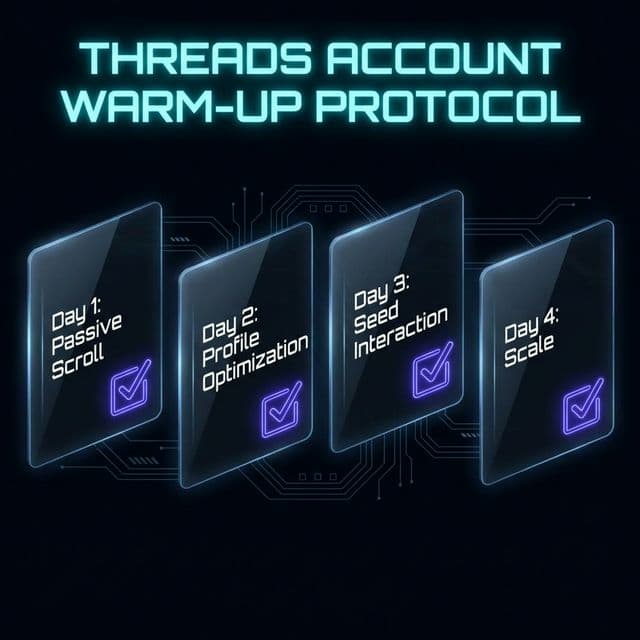
The accounts are warmed, personalized, connected to Instagram, and prepared with the requested profile details.
Step 3
72-hour target after brief approval
Custom orders are scoped around a 72-hour delivery target after the complete profile brief is confirmed.